

Design Showcase
Featured Projects
Proud to have worked with






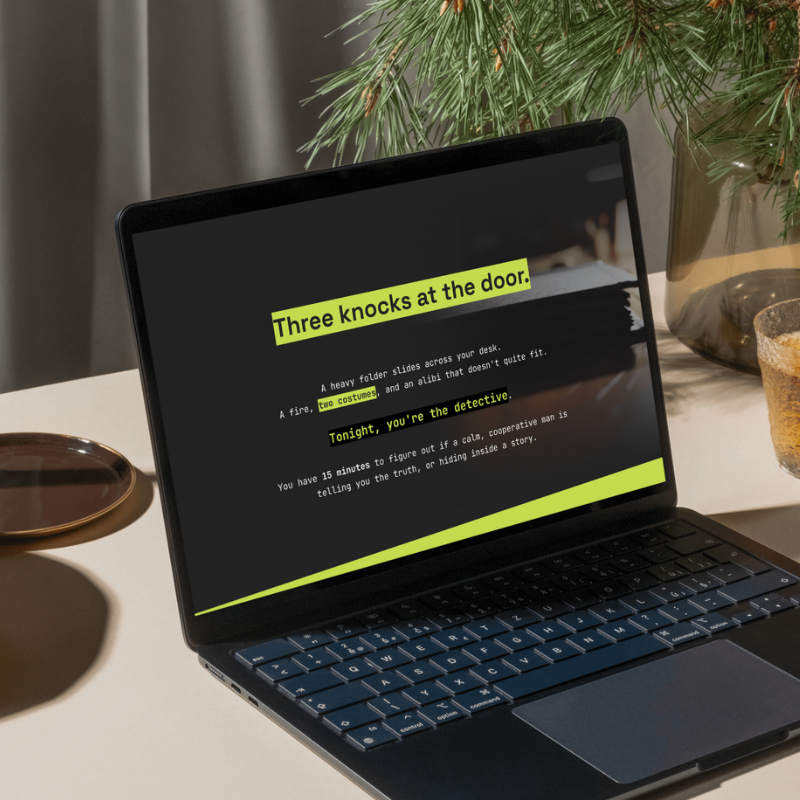
🏆 Award-Winning Course
Scenario-Based: Decode the Label
Overview
This course placed 1st place in the Global iSpring Course Creation Contest (out of 1,501 participants from 103 countries).
Comments from the contest judges:
“It was an absolute pleasure to review a piece of e-learning that takes a universally relevant topic and transforms it into an exceptionally engaging, masterfully executed digital learning experience. Everything is consistent, the visuals, the voiceover, the sound effects, the reinforcements with the quizzing and the job aids. It is an exemplar of eLearning done right. “
“This course is stunning and impeccably polished. The navigation is completely intuitive, and the user experience (UX) feels seamless and fully accessible. The interactive elements require meaningful learner input and than just passive reading.”
Tools: iSpring, Canva
🏆 Award-Winning Course
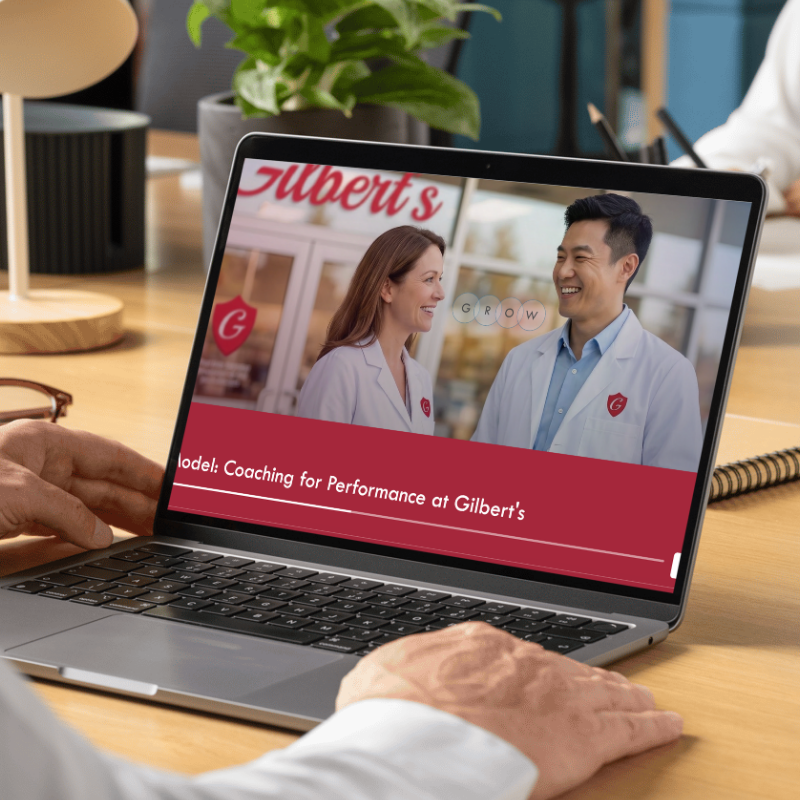
AI-Powered: GROW Coaching for Performance at Gilbert’s
Overview
This course won an award from an eLearning Challenge hosted by Mindsmith and Tim Slade (recorded as the highest-entry challenge).
This scenario-based, AI-integrated course integrates a customized AI tools to deliver an immersive, personalized coaching experience. Learners step into the role of a pharmacy manager preparing to coach Jordan, a technician who experienced a near-miss safety incident. This course aims for transferability by using a real incident, and guides learners through the GROW coaching model. Learners consult an AI virtual mentee in a live AI conversation and responds dynamically using the GROW coaching model, mirroring the real-world performance conversations they will lead.
Tools: Mindsmith, Canva
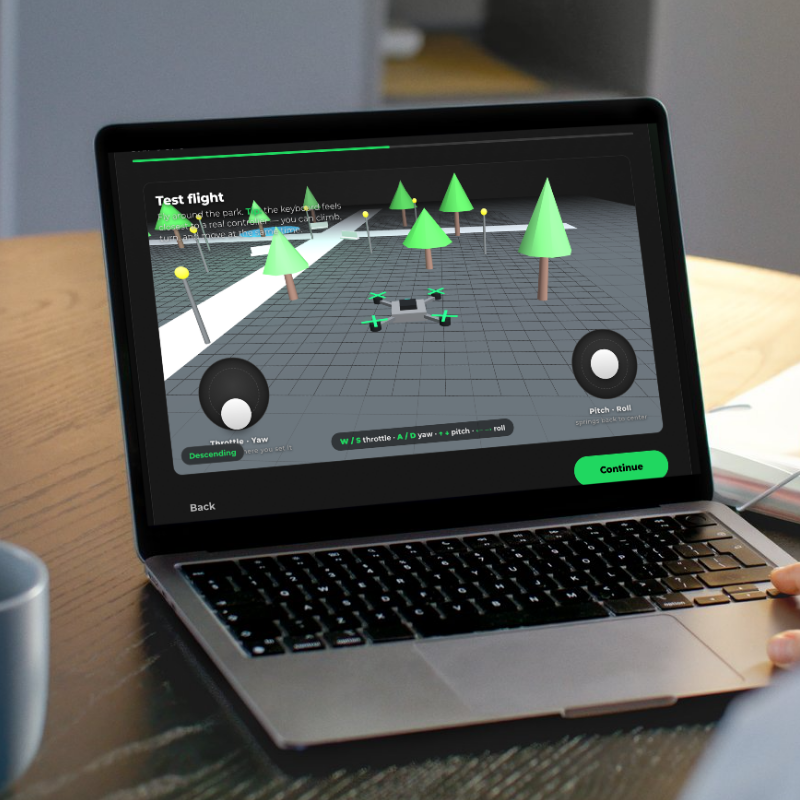
3D Simulation: UAS Drone Training
Overview
This 3D simulation lets learners virtually pilot a drone to discover how a quadcopter’s four flight controls work. Learners manipulate throttle, pitch, roll, and yaw and immediately see the results, then apply what they’ve learned in a performance-based assessment flown through a ring course.
The design applies Hick’s, Fitts’s, and Miller’s laws by deliberately selecting on-screen choices, sizing controls, color scheme design, easy-to-hit targets, and revealing the four controls progressively so learners stay adequately challenged.
Tools: Claude, Netlify
Responsibilities: Instructional Design, Iterative Prototyping, Visual Design, 3D Development, Vibe Coding
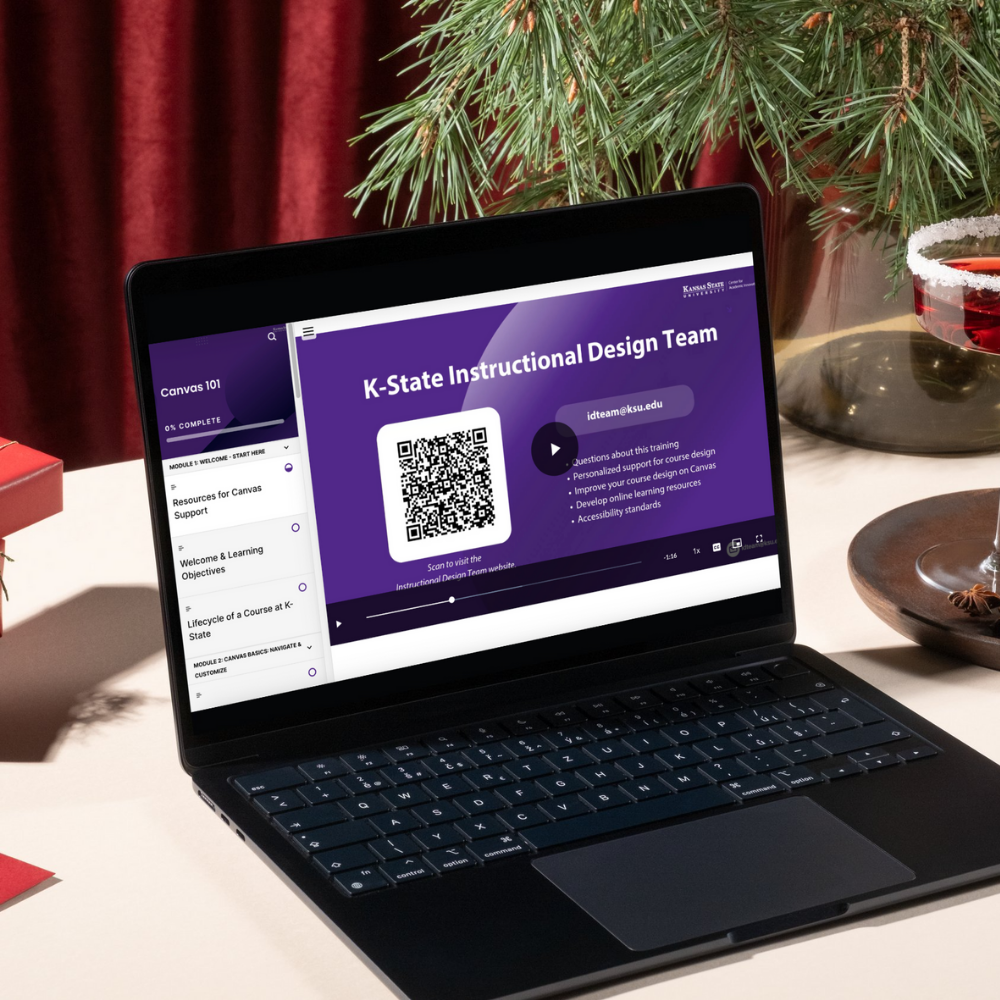
HR Onboarding Training: Canvas 101
Overview
I spearheaded designing an onboarding training for all new faculty hires at Kansas State University. This course introduces new employees to the essentials of the Canvas LMS platform. I created all multimedia assets, including videos with animated elements, developed the course content structure, and designed the overall visual identity and Rise course template.
This project included a data-based learner analysis, and I conducted a benchmarking study of LMS training programs at 25 R1 universities to inform its design.
Tools: Articulate Rise, Canva, Capcut, Premiere Pro
Responsibilities: Project Lead, Video Editing, eLearning Development, Visual Design, Project Management, ADDIE Model
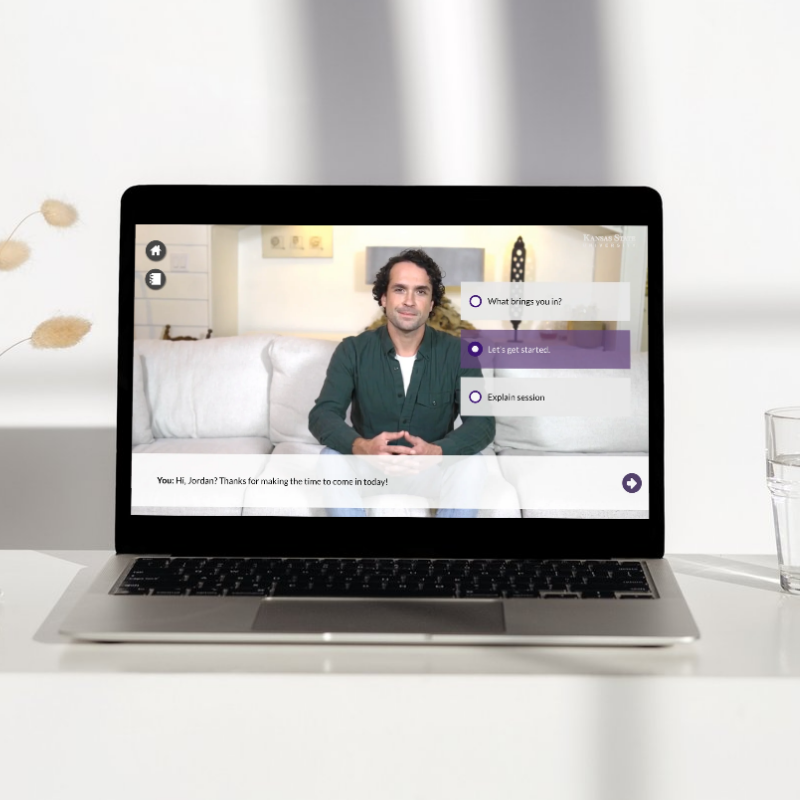
Virtual Simulation: Dietitian Consultation
Overview
This ‘Cook More’ simulation is part of a series of virtual simulations created in partnership with a faculty member from the College of Health and Human Sciences at Kansas State University.
It is designed to allow students to apply their knowledge of counseling skills by guiding conversations that demonstrate empathy and encourage collaboration.
Tools: Storyline, HeyGen, Flaticon
Responsibilities:eLearning Development, Video Editing, Visual Design, Project Management
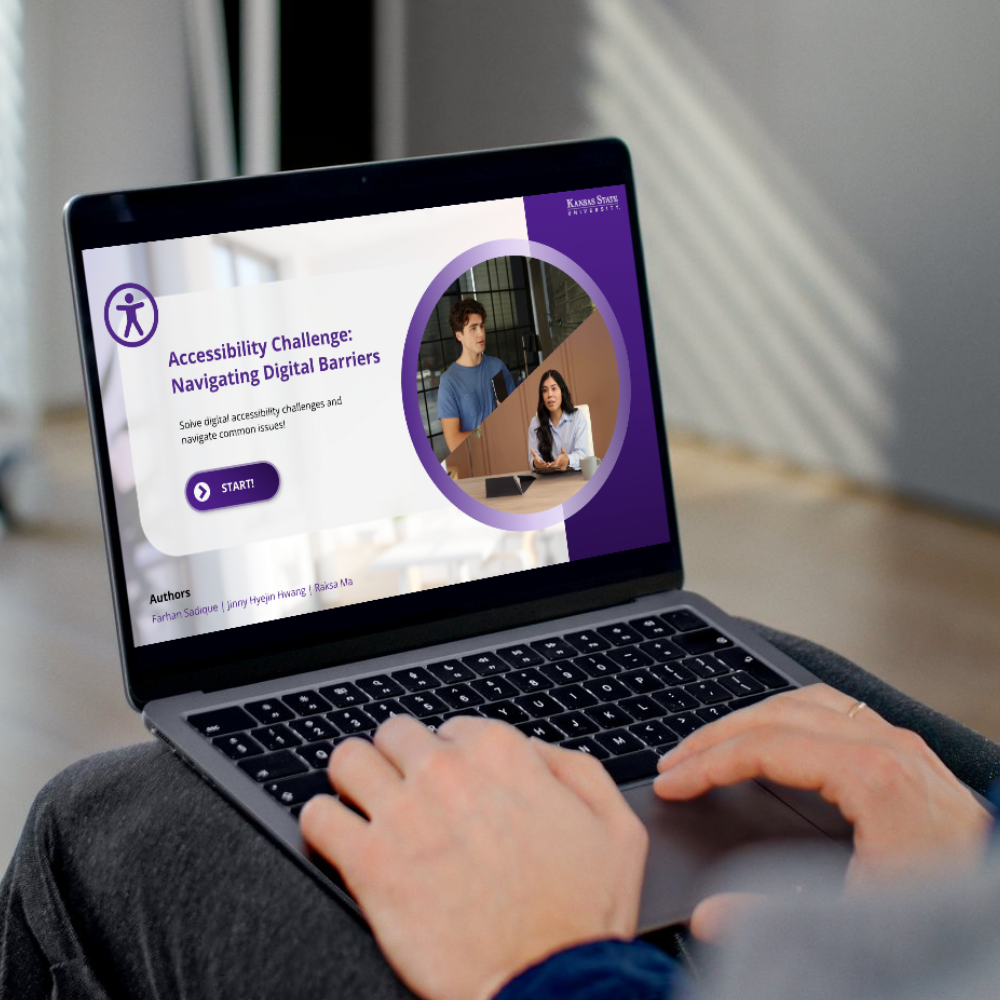
Accessibility Challenge:
Sceniaro-Based Learning with a Custom AI Chatbot
Overview
This scenario-based activity integrates a custom-developed AI chatbot to create an interactive learning experience. Learners step into the role of an instructor navigating a situation in which a visually impaired student, Alex, requests assistance with an inaccessible document. As the scenario unfolds, learners engage with the AI chatbot to ask questions, deepen their understanding of accessibility concepts, and remediate the document for Alex. This mirrors the real-world responsibilities they will encounter in their professional careers.
Tools: Storyline, Custom-Built AI Chatbot, HeyGen, Flaticon
Responsibilities:eLearning Development, Video Editing, Storyboarding, Script Writing, Visual Design, Project Management
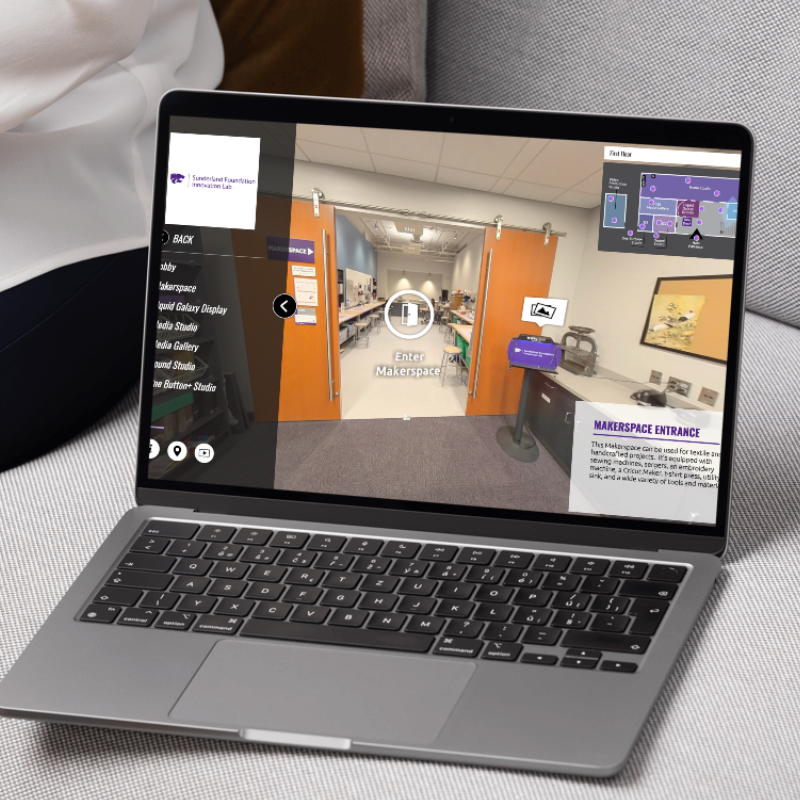
360°Virtual Tour: Sunderland Foundation Innovation Lab
Overview
This web-based virtual reality experience offers an immersive 360° tour of the Sunderland Foundation Innovation Lab, developed in collaboration with the innovation lab at Kansas State University. Built using 3DVista authoring software, the tour incorporates interactive hotspots, multimedia elements, and self-guided navigation to transform facility tour into an accessible digital journey. It extends the lab’s reach beyond physical campus visits, welcoming diverse stakeholder audiences, including students, faculty, and community partners.
Tools: 3DVista
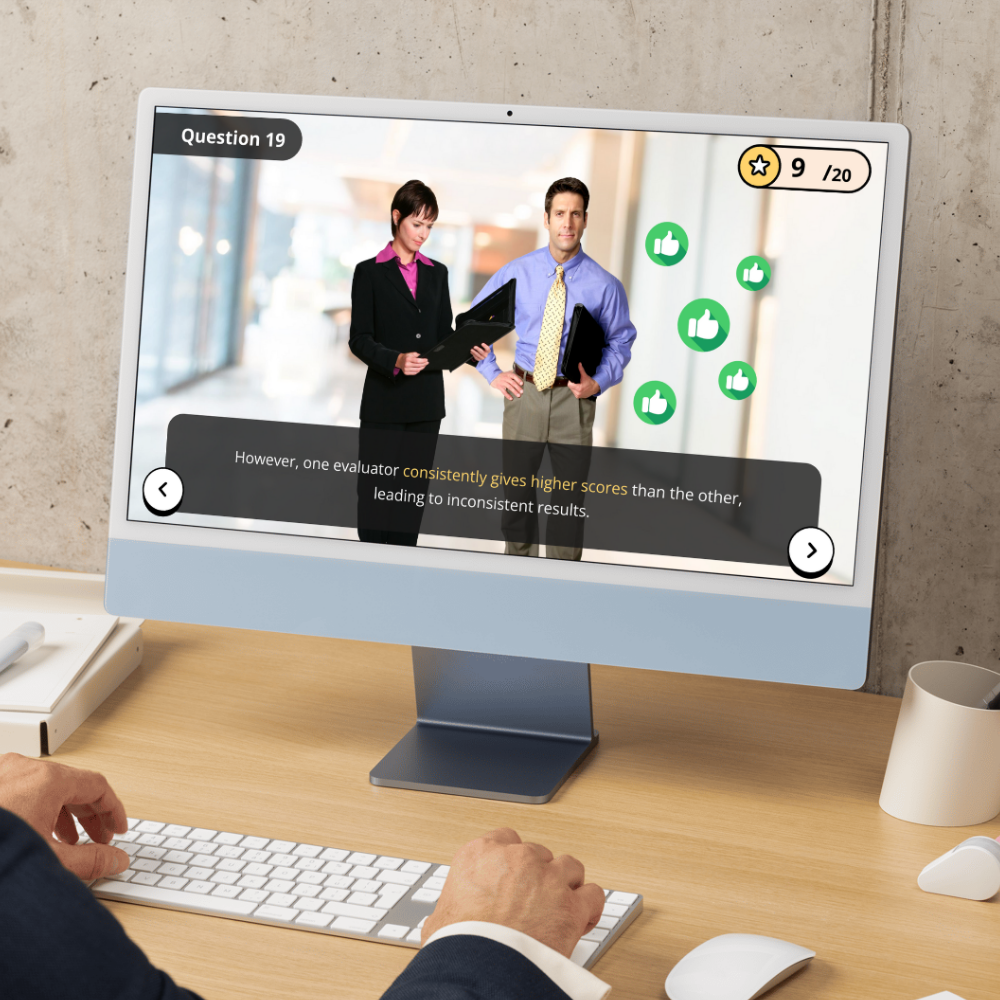
Scenario-Based Activity: Survey Mastermind
Overview
In this activity, learners are hired as a Survey Research Consultant by the non-profit SafeStreet Initiative, which aims to improve public safety. The goal is to design a high-quality survey that collects valid, reliable, and unbiased data from local residents.
This activity was featured at the “A Legacy of Learning” at the College of Education at Kansas State University for its high quality.
Tools: Storyline, Canva, Flaticon, PowerPoint Illustrations
Responsibilities:eLearning Development, Visual Design, Project Management, Storyboarding
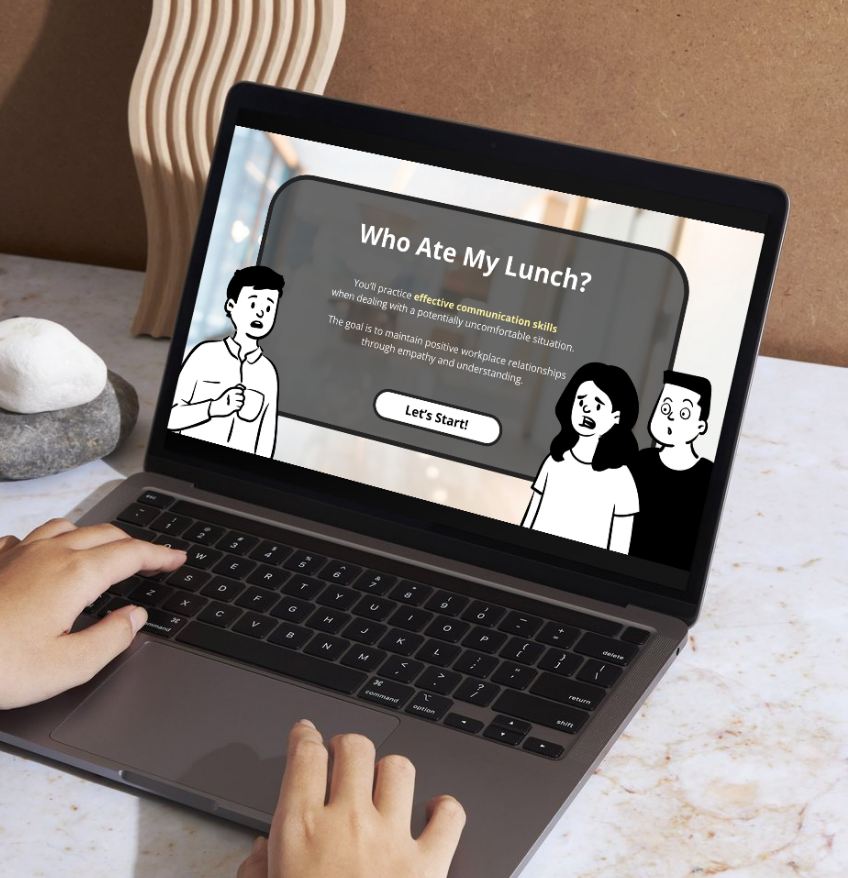
Scenario-Based Activity For Communication Skills: Who Ate My Lunch?
Overview
This branched, scenario-based activity was developed for the Center for Academic Innovation at Kansas State University to showcase interactives to faculty members. The activity’s goal is to effectively navigate difficult workplace conversations by selecting the ideal conversational responses. All characters were custom-designed.
Tools: Storyline, Canva, PowerPoint Illustrations
Responsibilities:eLearning Development, Animation Design, Visual Design, Project Management, Storyboarding, Script Writing

North-West University Faculty Training: AR/VR in Teaching and Learning
Overview
This online training was created in collaboration with the Center for Teaching and Learning department at NWU. As an instructional designer and a project manager, I developed an online training using Articulate Storyline and Articulate Rise. I also devised the overall design and oversaw this ID project based on the ADDIE model.
Tools: Storyline, Rise 360, PowerPoint, Microsoft Word
Responsibilities:eLearning Development, Visual & Document Design, Project Management, ADDIE Model, Design Document, Storyboarding
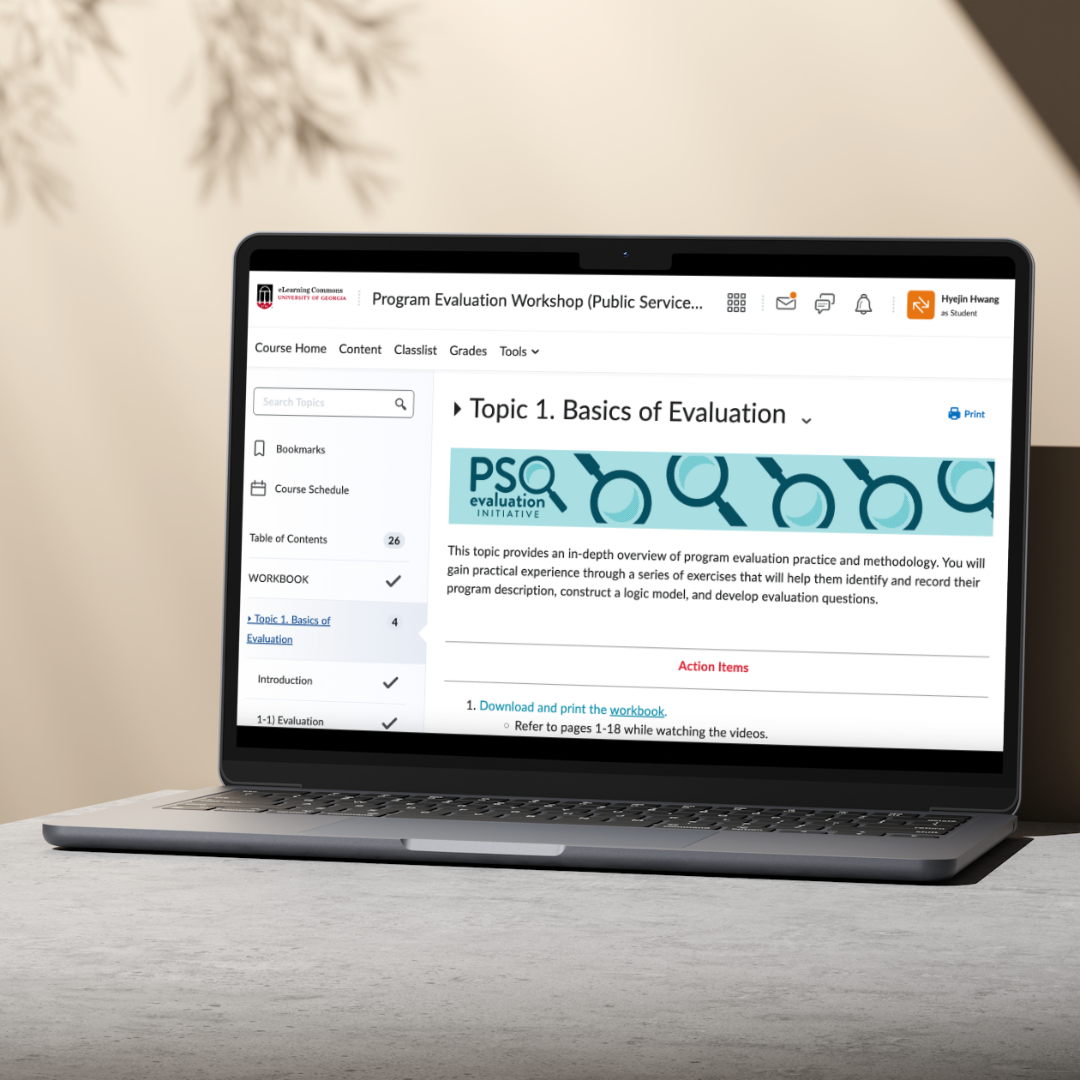
Self-Paced Online Training: PSO Program Evaluation
Overview
This eLearning training was designed for professionals affiliated with Public Service and Outreach (PSO) units, who need to evaluate the effectiveness of their organization’s projects and services. The participants included program coordinators, business managers, research professionals, and others in similar roles.
Tools: D2L Brightspace (LMS platform), Final Cut Pro, Canva, PowerPoint
Responsibilities: Online Training Development, Visual & Document Design, LMS management, Video Editing, Prototyping
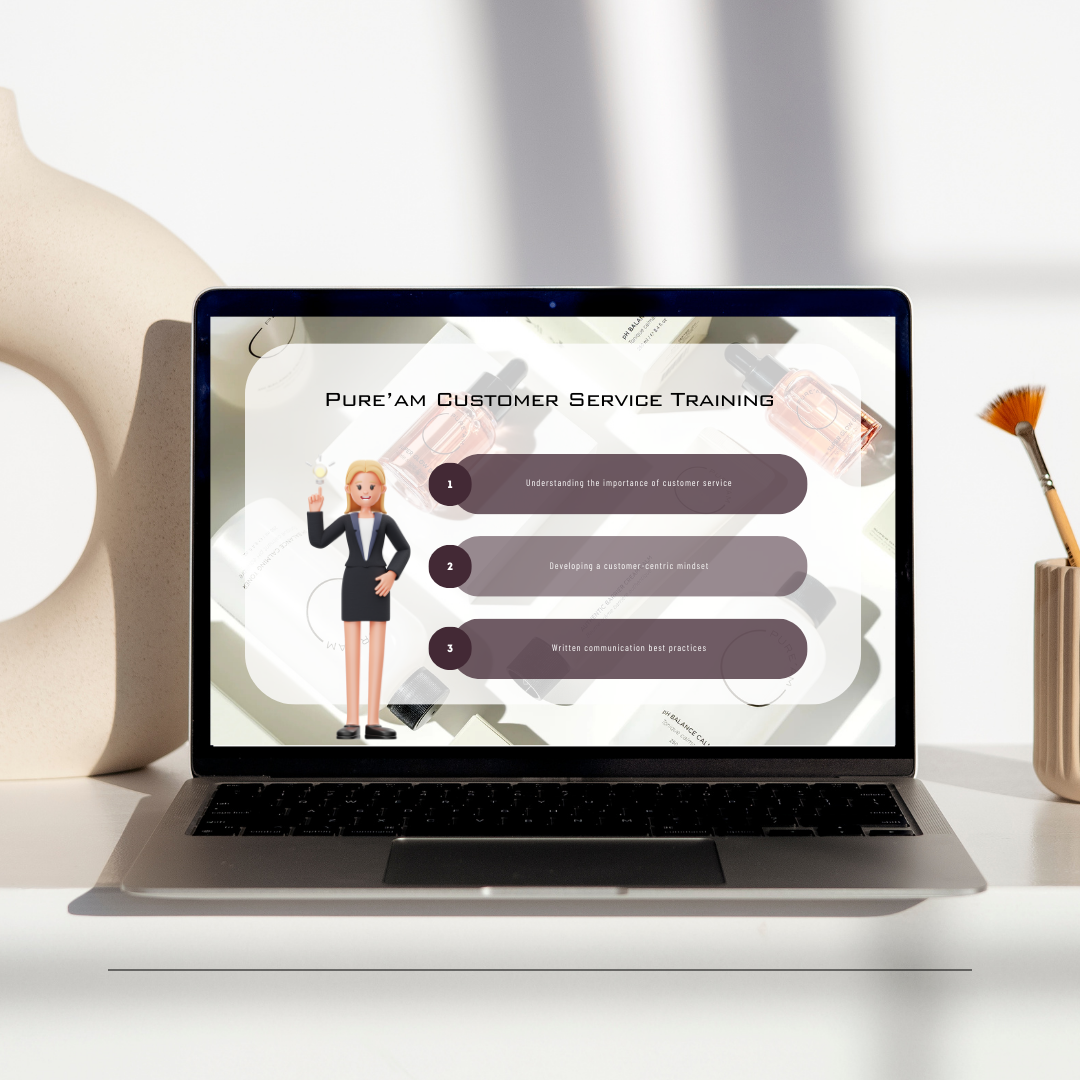
Pure’am CS Team Training:
Online Customer Interaction
eLearning Development, Visual Design
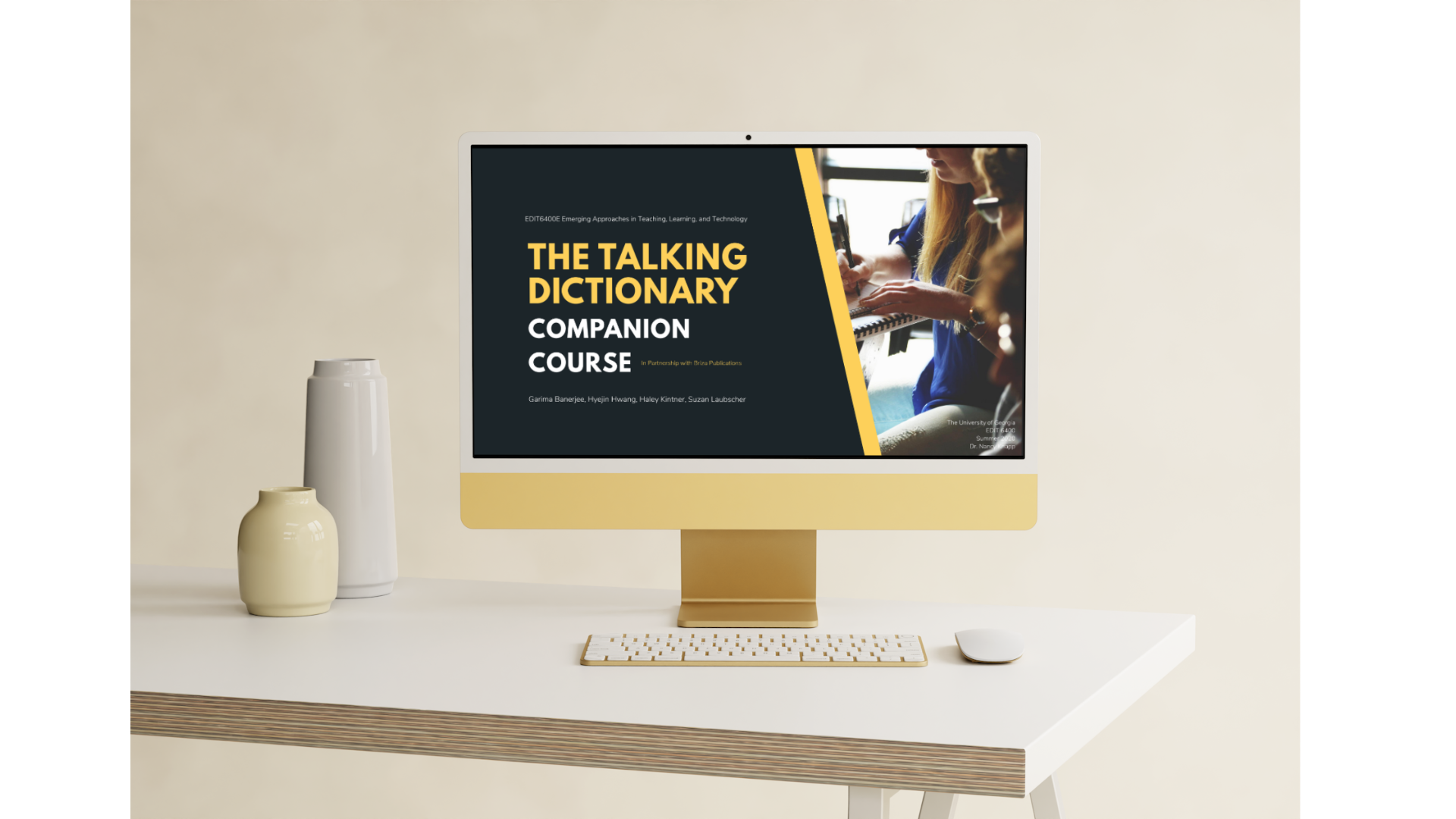
Learning Experience Design: Talking Dictionary
Instructional Design, Training, Language
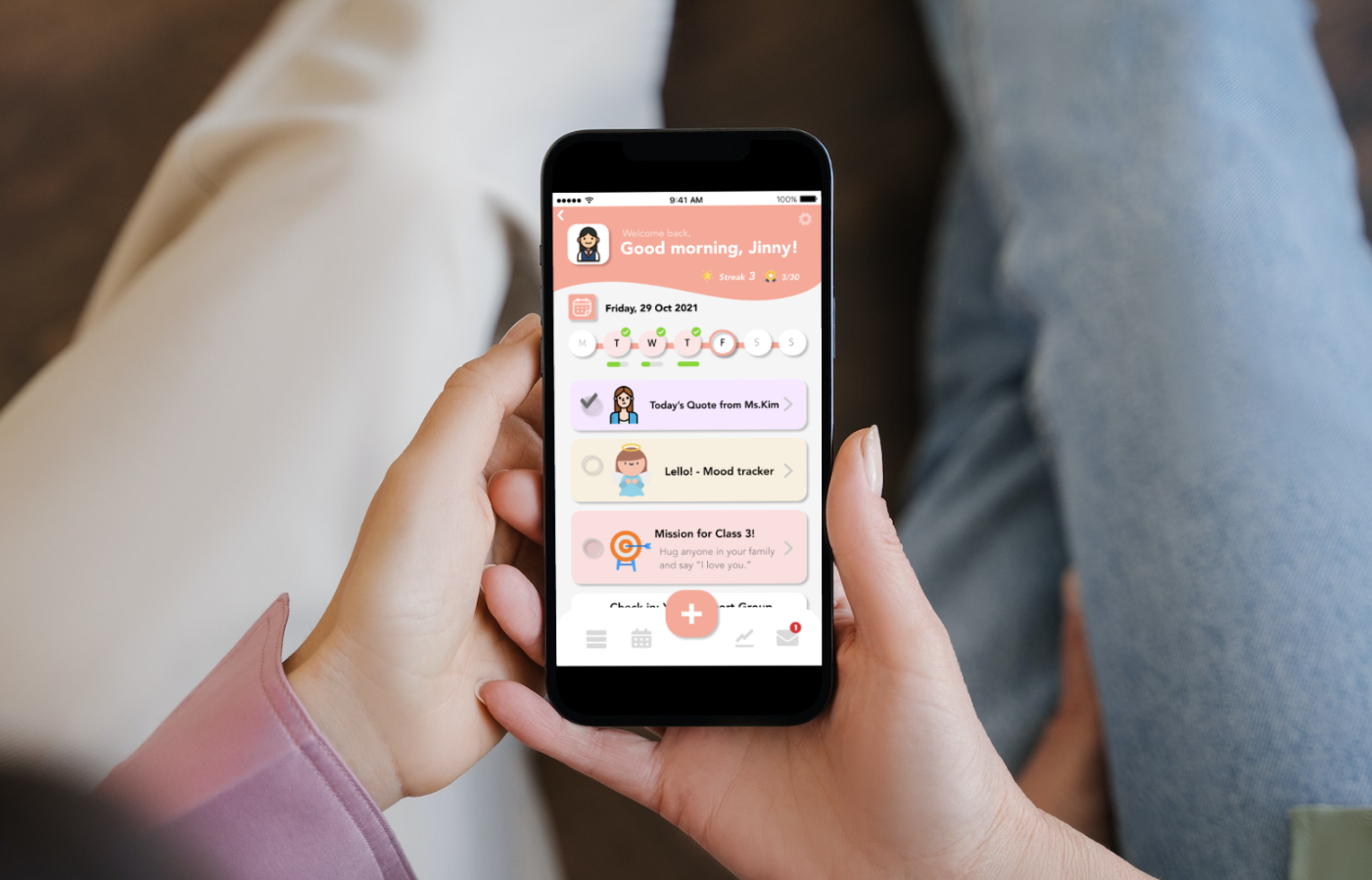
Mobile App Design:
Emotional Analysis Tool
Mobile App UX, UI Design
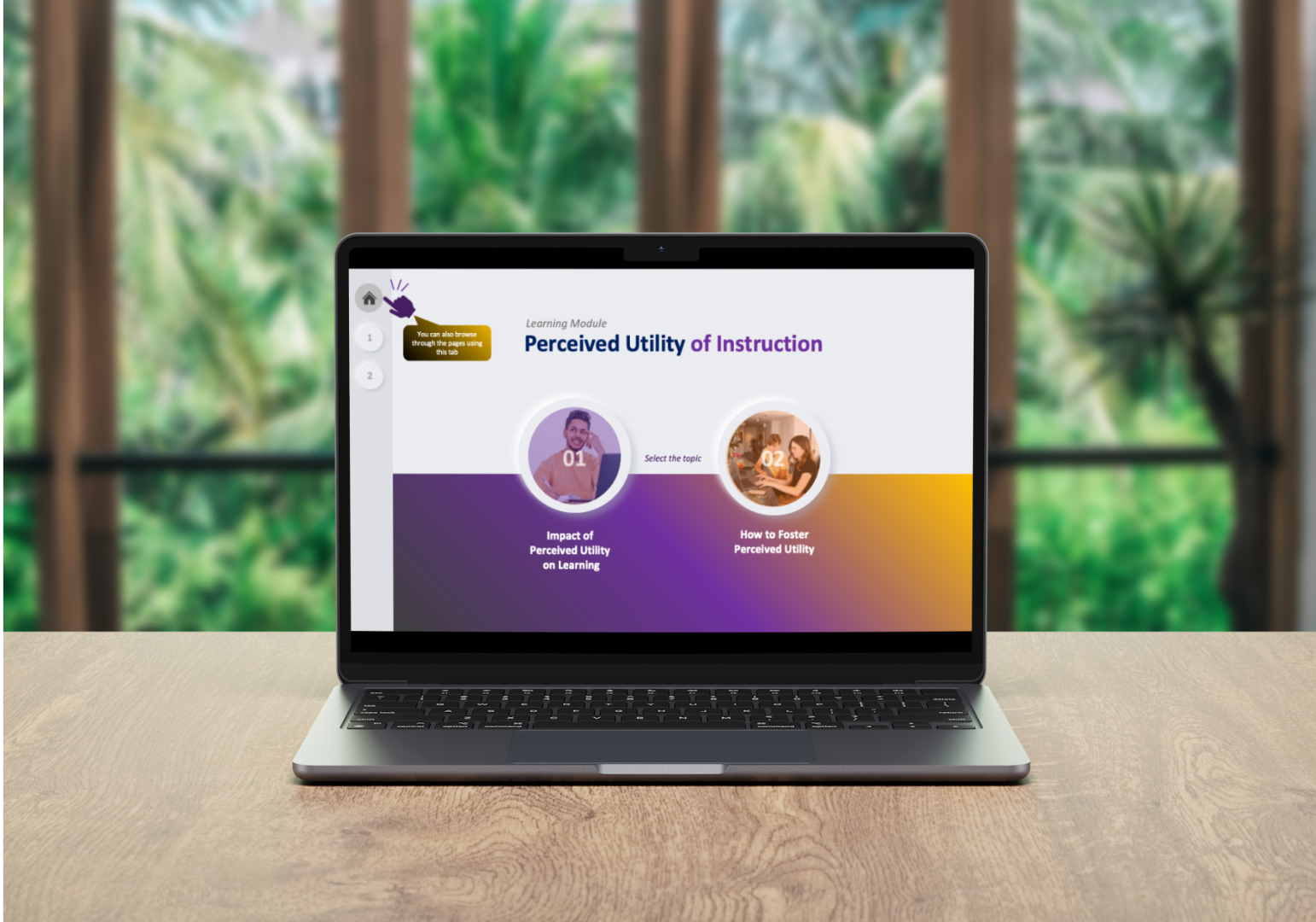
Learning Design Compilation:
Presentation Deck, Lecture Videos
Interactive Design, Video Editing
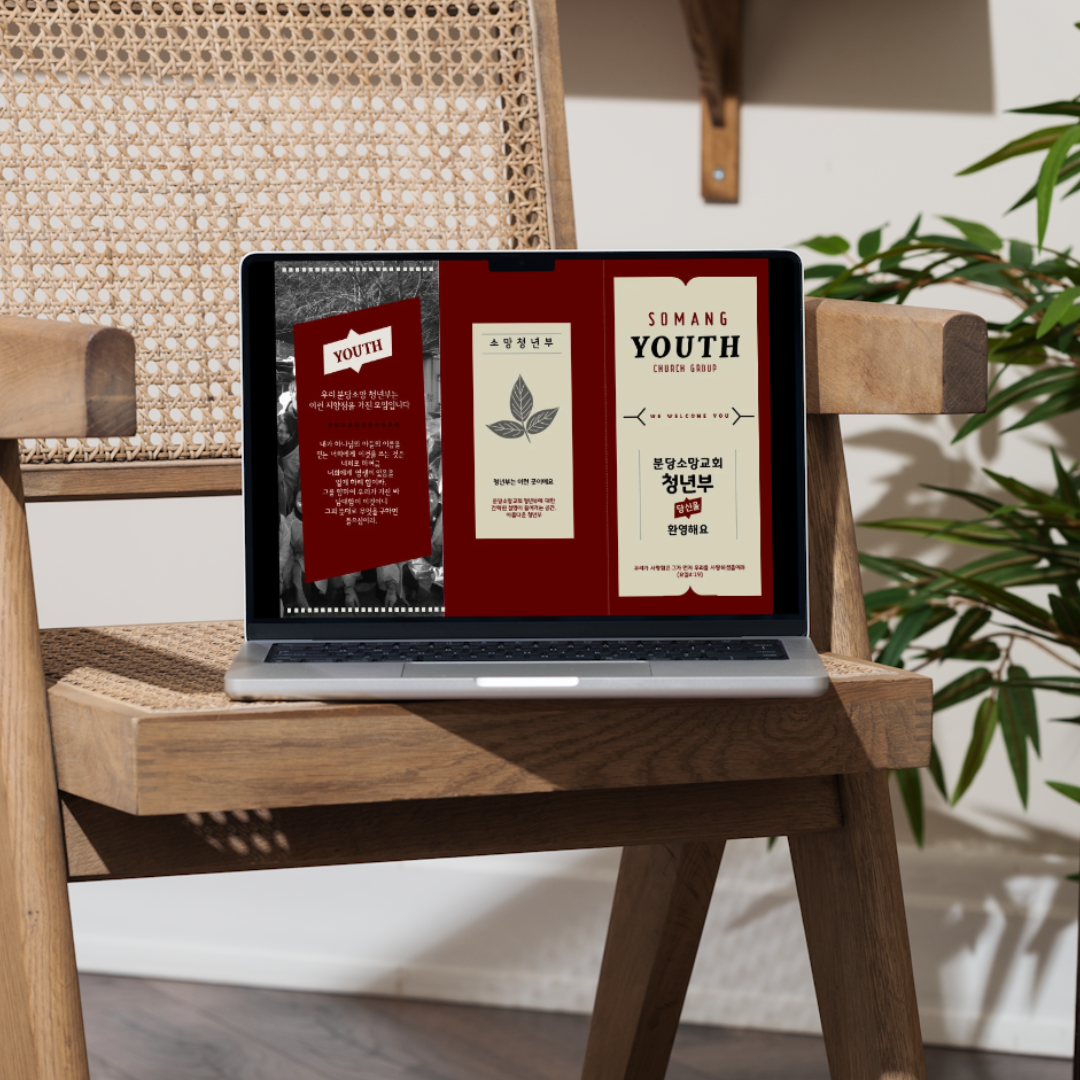
Design Work Compilation:
Workbooks, Handouts, Website
Website Design & Development, Various Document Design